SquadCast Review 2025 – Remote Podcast Recording Made Simple

SquadCast — Quick, Honest Overview (with your ref link)
🔗 Your ref link: https://squadcast.fm/?ref=odq0zdh
What it is
A remote recording studio for podcasters and creators. Records each guest locally (then syncs to cloud) so you get clean, mix-ready tracks even if someone’s Wi-Fi hiccups.
At-a-glance
-
Rating (G2 sample): 3.8/5 (12 reviews)
-
Standouts: Local multi-track recording, 4K video option, screen share, simple invite workflow, integrations/APIs, auto cloud backups, easy UI.
-
Ownership note: Operates alongside Descript (the popular AI editor). Per the review, SquadCast is a separate app from Descript, but the bundle/pricing may include Descript on certain plans.
Real-world feedback (highs & lows)
Pros users mention
-
Noticeably higher audio quality than Zoom because each participant is recorded locally.
-
Beginner-friendly interface; little to no learning curve.
-
On-the-spot fixes (mute/noise control) + straightforward integrations.
-
Auto backups reduce risk of losing takes.
Cons users mention
-
Pricing can feel high for tight budgets.
-
Resource intensive on older devices; prefers strong connections.
-
Occasional session glitches (freezes, slow joins) and some support complaints.
-
One detailed negative review cites iPad/Mac issues, white noise on recorded mic, and trouble submitting a support ticket.
Who it’s for
-
Podcasters who want studio-quality remote interviews without wrangling complicated software.
-
Teams already editing in Descript (nice ecosystem fit).
-
Creators who value simple onboarding for non-technical guests.
Who should consider alternatives
-
Live shows needing heavy branding overlays and live-chat pulls (Riverside/StreamYard lean stronger here).
-
Ultra-tight budgets or very old hardware (consider Zoom + local double-ender workflows).
Quick start (guest-friendly)
-
Create a New Session → choose Start now or Schedule.
-
Set mic/cam/speakers, toggle echo cancellation.
-
Invite link → guests join in browser (recommend Chrome desktop).
-
Hit Record (multi-track, up to 4K video).
-
Files upload/sync to cloud for download/edit.
Pro tips for smooth sessions
-
Use Chrome on desktop, wired earbuds or a USB/XLR mic, and hard-wire Ethernet when possible.
-
Ask guests to close extra tabs/apps; disable noisy notifications.
-
Record redundant local backups (when stakes are high).
-
If you see UI slowness, refresh or re-invite; keep a backup meeting link handy.
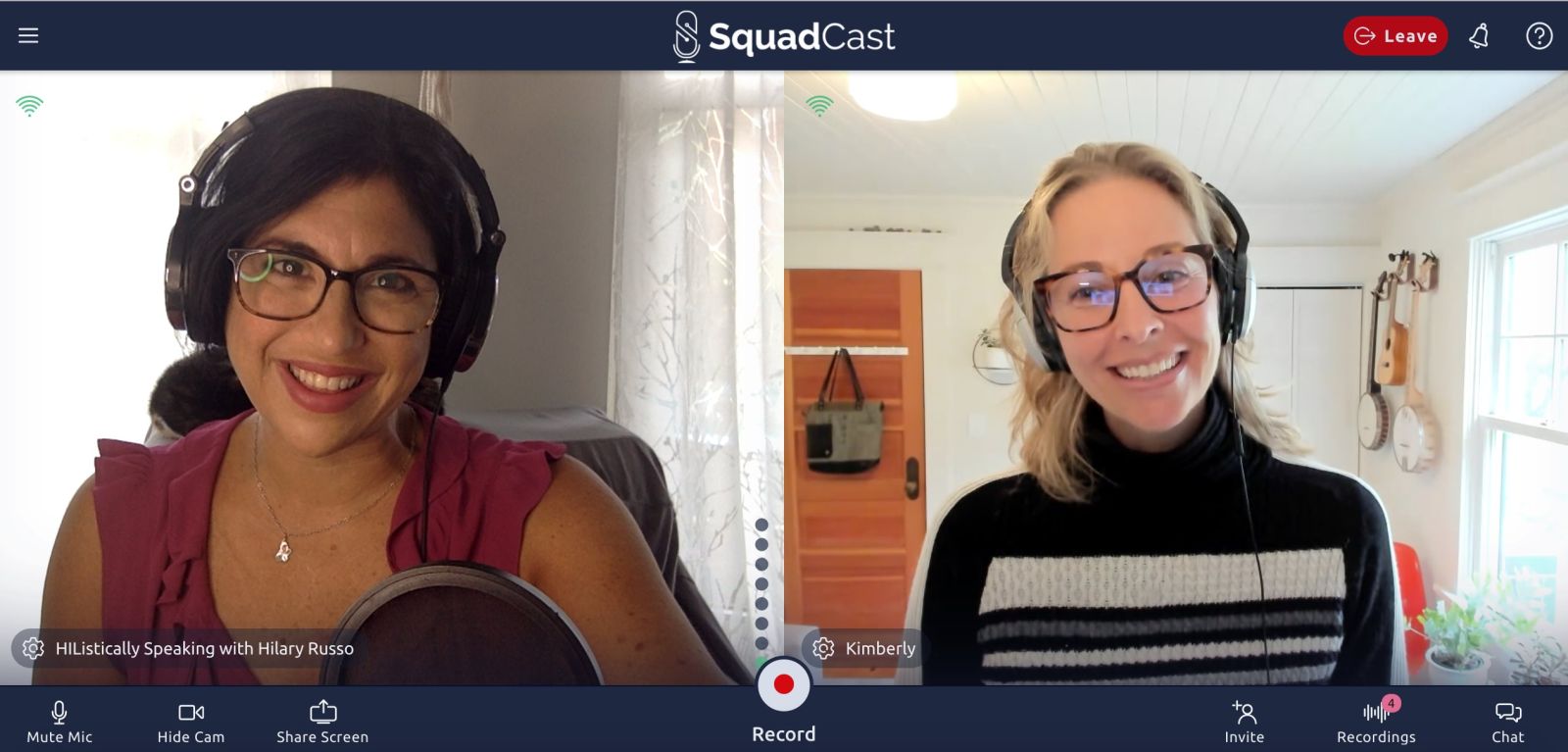 https://squadcast.fm/?ref=odq0zdh
Light comparison
-
SquadCast: Simpler, clean UX, strong local recording; good fit with Descript workflows.
-
Riverside: Similar quality; more on-show branding/tools and live-chat pulls; a bit more to configure.
-
Zoom: Ubiquitous and cheap, but single-track, compressed audio unless you hack around it—harder to get pro sound.
Social caption (you can paste with your link)
Remote podcast interviews that sound like a studio—without the headaches. I recommend SquadCast 🎙
👉 https://squadcast.fm/?ref=odq0zdh